


Getting Started

rubiTrack imports activities from many devices and file formats and your iPhone. For workouts like power or yoga which are not usually recorded using devices, rubiTrack lets you add activities manually.
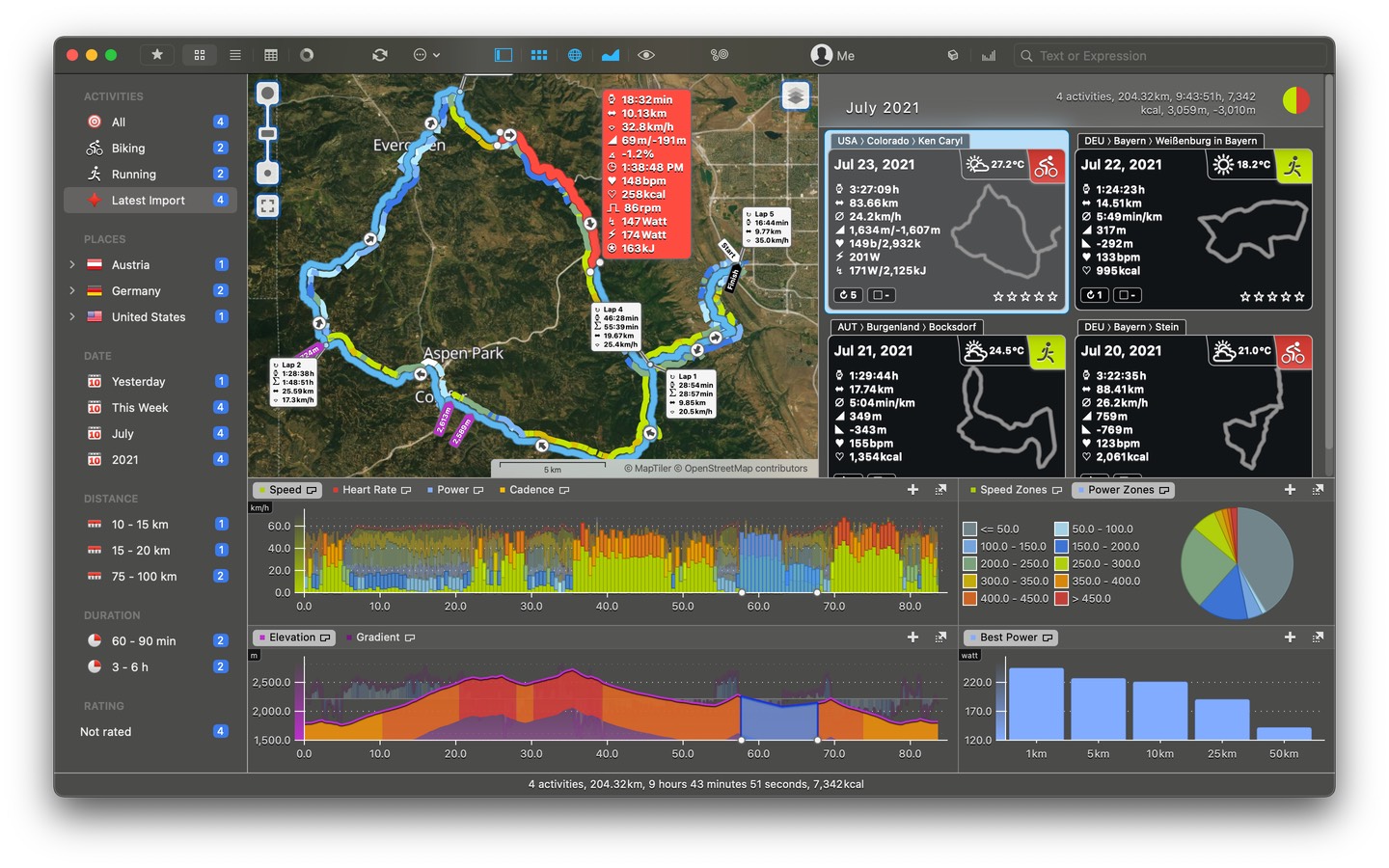
Activities are easily accessible through the dynamic activity groups which automatically categorize by activity type, location, date, distance and more. Activity groups act like filters, when you select one, rubiTrack shows matching activities. Multi-select groups for combining filters, create your own groups and use the new Quick Search for filtering activities using text or expressions.
Overview in Collection, List, Calendar

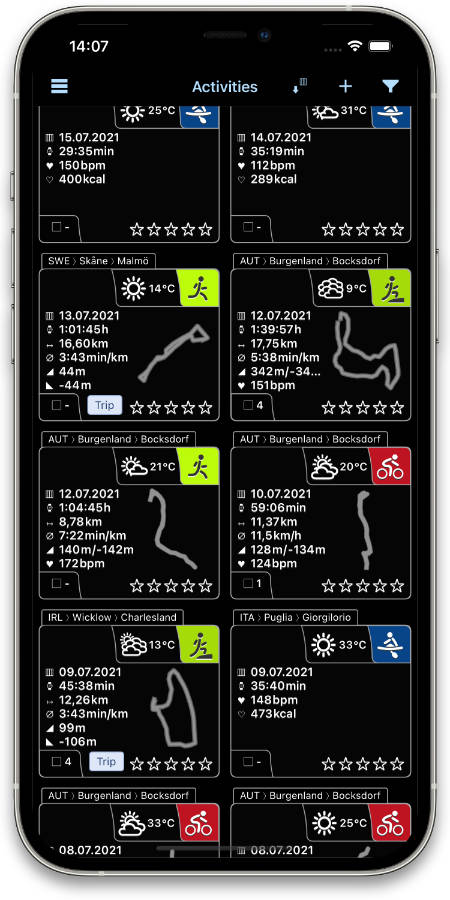
rubiTrack displays activities in 3 different ways: The collection view presents activity data such as duration, distance, speed or pace along with an instant track preview.
The list view shows activities as a table in very much detail where you can drill down into individual laps.
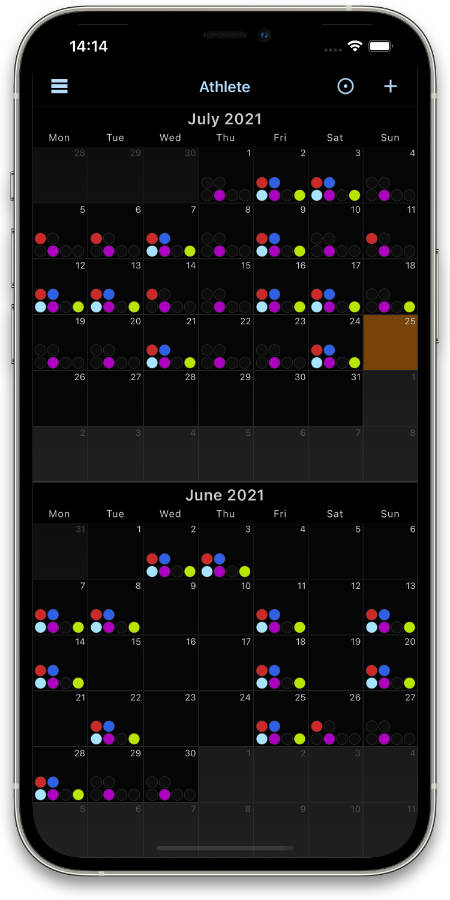
The calendar displays activities similar to the collection view, with many values instantly accessible. It comes with three view modes displaying varying level of detail. Plus, you can add events to mark important milestones in your training.
Flexible Chart

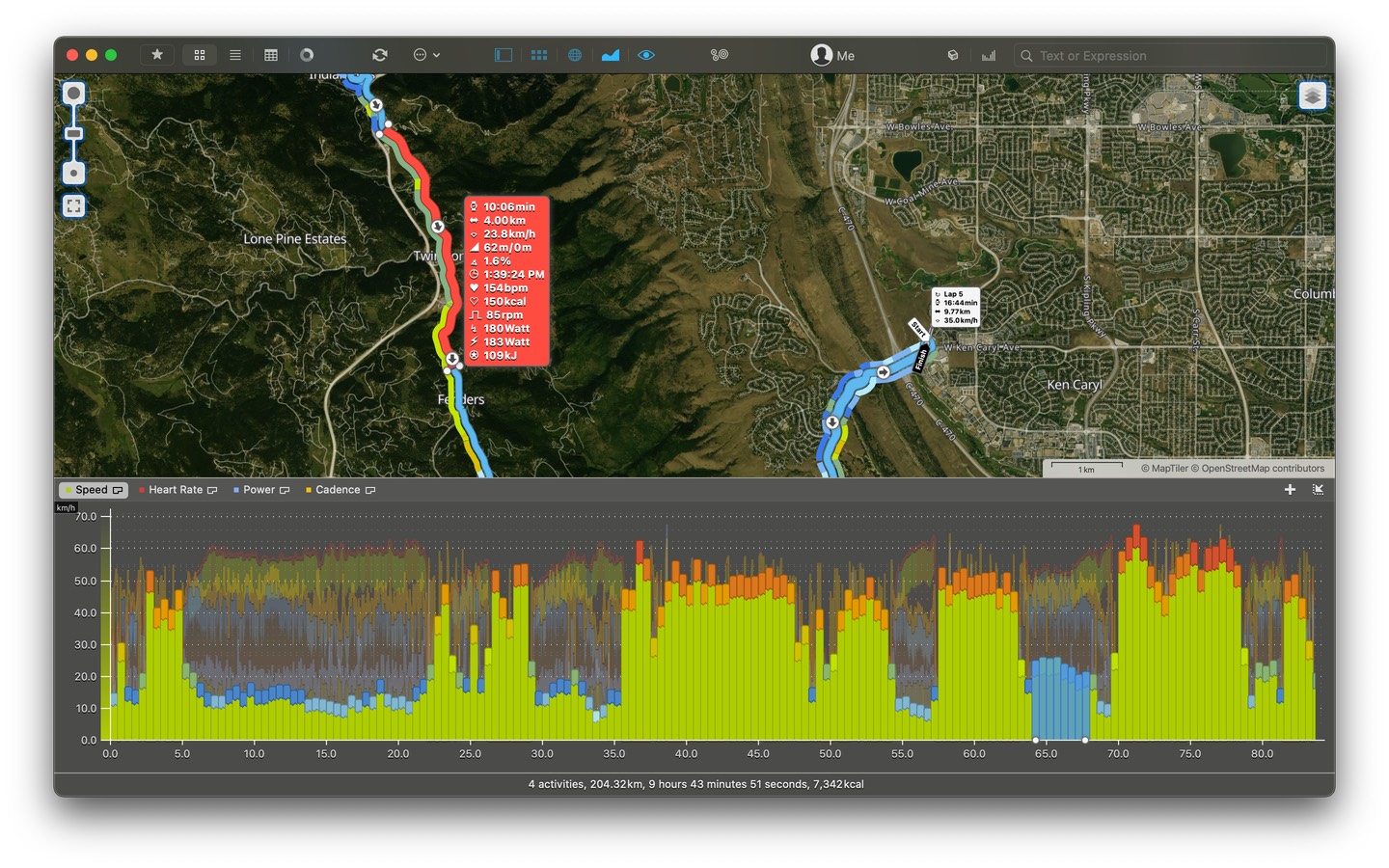
The chart shows diagrams of your activity data such as speed, pace, heart rate, elevation and many other values. The layout is freely configurable, you can split the chart up into multiple areas or have curves stacked.
Exciting rubiTrack 3 enhancements include continuous 10x zoom, multi selection of curve parts, 2-way synchronization with the map and comparison of multiple activities in any curve type. There are new values there as well, you can inspect best segments and analyze pie charts for zones distributions.
Stunning Maps

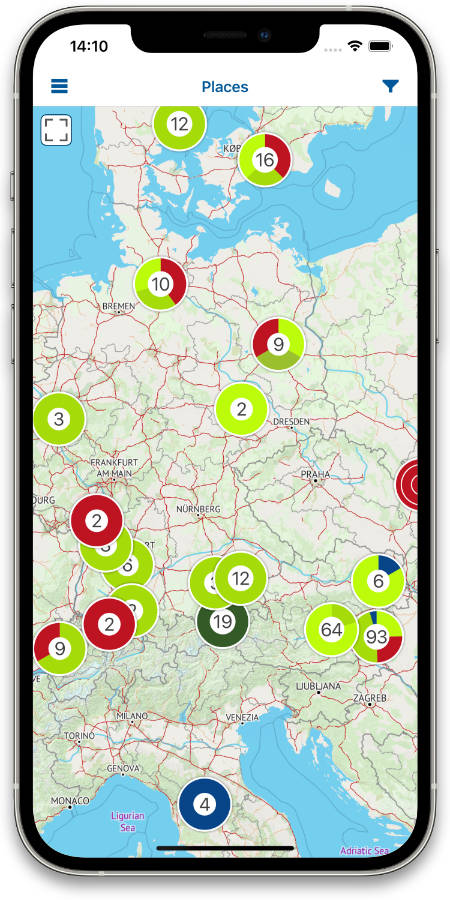
rubiTrack 3 comes with a completely rewritten map component. The all new rubiTrack Terrain map is based on OpenStreetMap data and has been developed from ground up to provide you with an ideal mapping experience for your outdoor activities. Additionally rubiTrack supports OpenStreetMap maps, OpenCycleMap and MapQuest maps1.
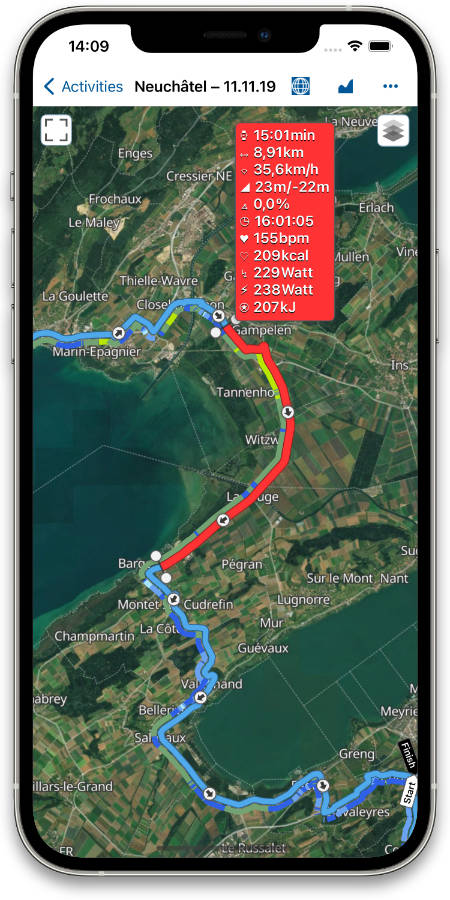
Exciting new features include viewing multiple tracks on the map, info markers, multiple track decoration styles and the new 2-way interactivity with the chart.
Athlete Log

Keeping track of body measurements like weight, body mass index (BMI), resting, maximum and recovery heart rate, body composition like muscle mass and fat and many many more is what the athlete log does for you.
Measurement data can be added manually or synced from compatible fitness scales (Withings, Fitbit, Tanita). The athlete log present all data in a completely configurable chart.
Detailed Workout Summary

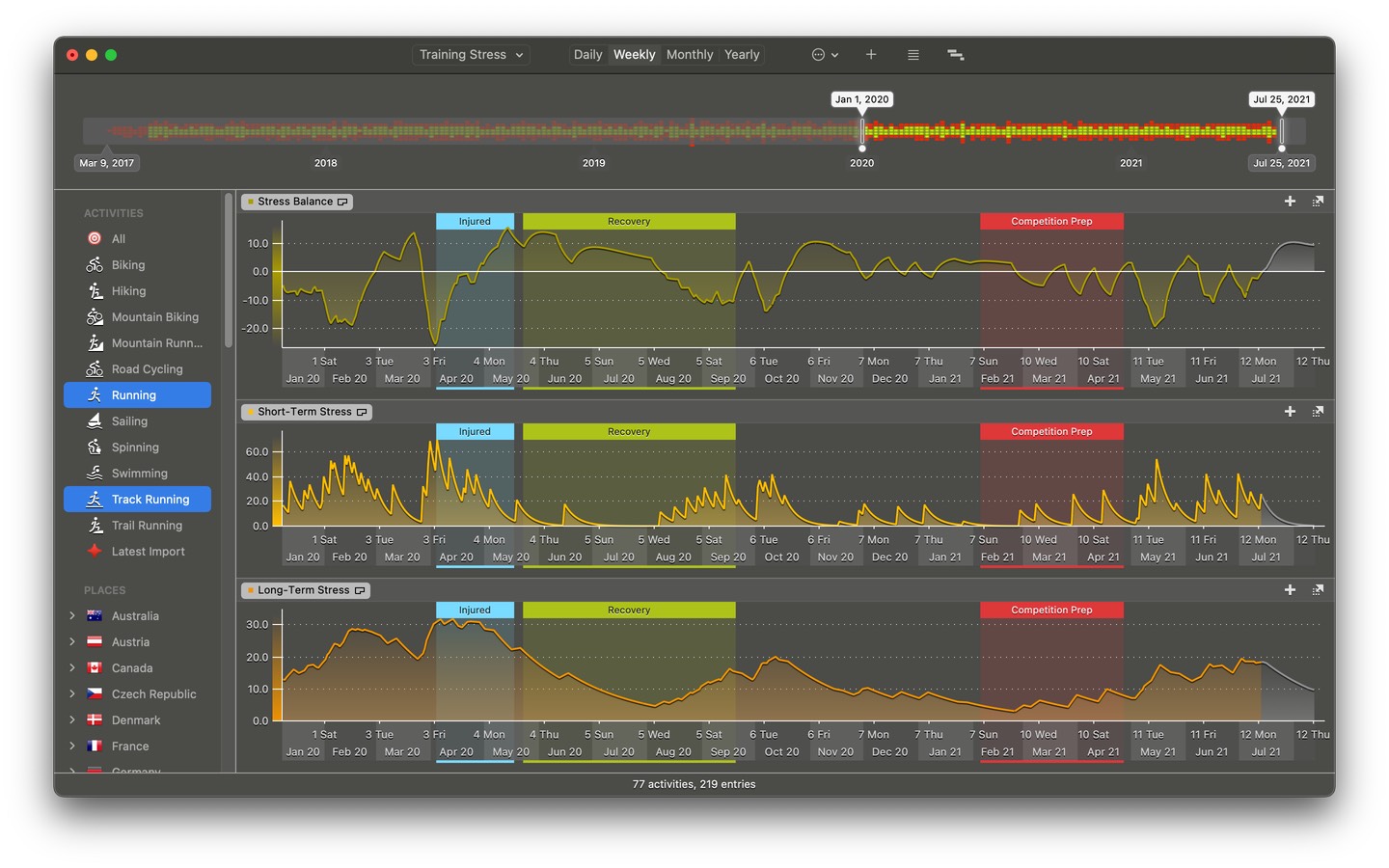
The workout summary provides an overview of your activities over time. It shows key activity data like duration, distance, best performances, calories burned on a timeline based on days, weeks, months or years.
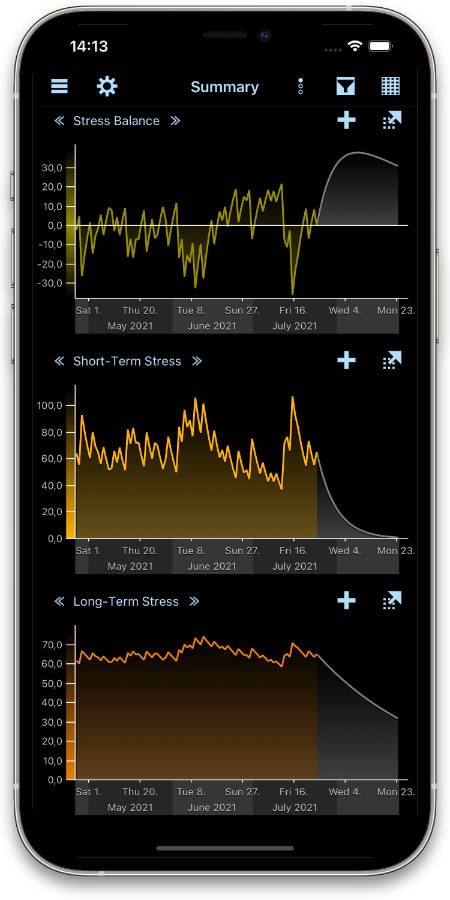
The workout summary also provides a way to gauge the training load over time. It comes with charts for short term and long term trainings stress and calculates the stress balance. This makes it easy for athletes to determine if they need to adjust their training regimen.
The Dashboard

The Dashboard provides a quick way to monitor your training progress. It quickly answers questions like this: "What was my total distance in the last 5 weeks, and how much more was it compared to the previous 5 weeks?". It shows a visual comparison between performance in one time frame and the performance in the preceding time frame.
The Dashboard also comes which visual performance meters for activity level, pace, speed and power and a quick chart presenting total duration and distance over the selected period as well as your best speed.
Organizing Equipment

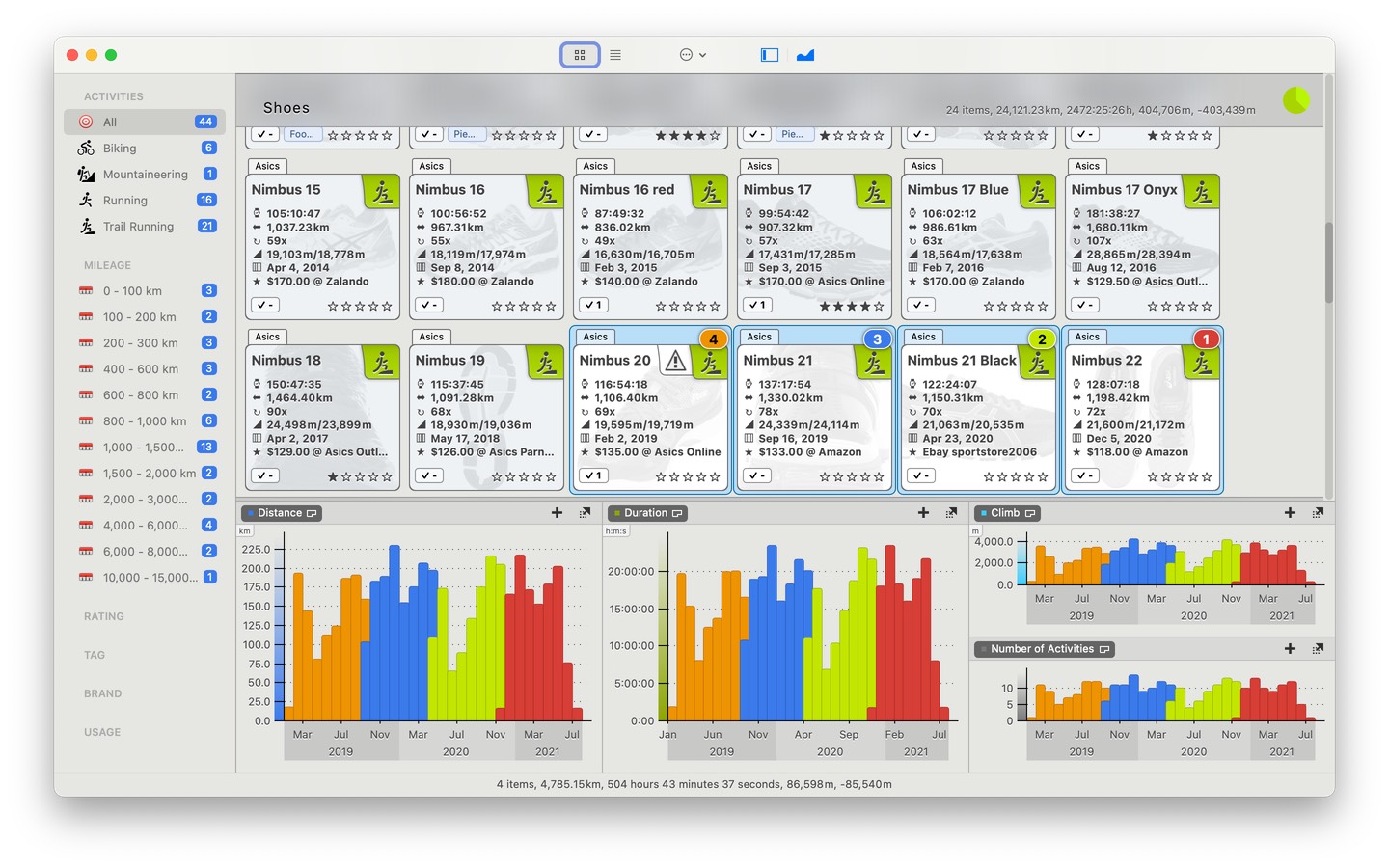
Add equipment that you use in your activities and keep track of its usage. You can track anything, from running shoes to GPS devices to complete bikes. rubiTrack also lets you create groups of items.
rubiTrack automatically tracks total mileage, total duration and usage count whenever you assign an item to an activity. You can set up maintenance warnings so you know when an item has been used a given number of times or for a certain duration or distance.